Modern boats rely on sophisticated marine electronics integration to deliver critical navigation, engine, autopilot, and environmental data to captains and crew. At the heart of these connected systems lies the NMEA 2000 network—a standardized communication protocol that allows marine devices from different manufacturers to share information seamlessly. Understanding how to properly design, install, and maintain your NMEA 2000 setup determines whether you’ll have reliable data when crossing the Gulf Stream or experience frustrating failures when you need information most.
Unlike older NMEA 0183 systems that required dedicated wiring between individual devices, NMEA 2000 uses a backbone architecture similar to computer networks. This boat network system allows multiple devices to connect to a single cable backbone, sharing data bidirectionally across the entire system. When properly configured, your chartplotter can display engine RPM, fuel flow, battery voltage, depth, wind speed, and dozens of other data points simultaneously—all transmitted across one unified network.
Understanding NMEA 2000 Network Architecture
The foundation of any NMEA 2000 network is the backbone cable, which forms the main data highway. This backbone typically runs through your boat’s cable chases or along stringers, with devices connecting via drop cables at T-connectors. The backbone requires terminating resistors at both ends—120-ohm terminators that prevent signal reflection and ensure reliable data transmission.
Network length and device count directly impact reliability. NMEA 2000 specifications allow a maximum backbone length of 200 meters (656 feet) with up to 50 devices, though practical installations rarely approach these limits. Each device adds a small electrical load to the network, measured in Load Equivalent Numbers (LEN). The total network load cannot exceed 20 LEN, with most devices consuming 1-4 LEN each.
Power distribution represents a critical consideration in marine electronics compatibility. The NMEA 2000 network carries both data signals and 12-volt DC power. While small networks can be powered through a single connection point, larger installations require multiple power insertion points to maintain adequate voltage throughout the system. Voltage drop across long cable runs can cause devices to malfunction or drop offline—particularly problematic when navigating challenging areas like St. Lucie Inlet during outgoing tide.
Planning Your NMEA 2000 Setup
Successful integration begins with thoughtful planning before installing a single connector. Start by inventorying all devices you want to connect: chartplotters, MFDs, autopilot computers, engine gateways, fuel flow sensors, tank level monitors, weather stations, AIS transceivers, radar systems, and any other compatible equipment.
Create a physical layout diagram showing where each device will mount and how the backbone will route through your vessel. Consider access points for future troubleshooting and expansion. Center console boats present different challenges than express cruisers or sportfish yachts—a 28-foot center console may need only 15 feet of backbone cable, while a 60-foot sportfish might require 80 feet or more to reach devices from the helm to the engine room.
Cable Selection and Specifications
Not all NMEA 2000 cables meet the same standards. Marine-grade cables must withstand constant exposure to moisture, salt spray, vibration, and temperature extremes experienced in South Florida boating environments. Quality backbone cables feature tinned copper conductors, waterproof insulation, and rugged outer jackets rated for marine use.
Micro-C connectors have become the industry standard, replacing the older Mid-style connectors. These compact, waterproof connectors maintain IP67 ratings when properly seated, protecting connections from water intrusion. Always apply dielectric grease to connector threads and ensure positive engagement—loose connections cause intermittent failures that can be extremely difficult to diagnose offshore.
Drop cable length matters significantly. Keep drops under 20 feet (six meters) whenever possible. Longer drops create stub effects that can degrade signal quality. If a device must mount far from the backbone, extend the backbone itself rather than using an excessively long drop cable.
Device Integration and Compatibility
While NMEA 2000 is a standardized protocol, not all implementations are equal. Major manufacturers like Garmin, Raymarine, Simrad, Furuno, and B&G all produce NMEA 2000 certified devices, but proprietary features may not translate across brands. A Garmin autopilot computer, for example, communicates standard heading and waypoint data across the network, but advanced features like Reactor™ autopilot performance optimization require Garmin-specific components.
Engine data integration requires appropriate gateway devices. Most modern marine engines—Yamaha, Mercury, Suzuki, Honda, and others—output proprietary engine data that must be translated into NMEA 2000 format. Engine-specific gateways connect to your engine’s diagnostic port and broadcast standardized PGNs (Parameter Group Numbers) that any NMEA 2000 display can interpret. This allows your chartplotter to show engine RPM, temperature, oil pressure, fuel rate, and diagnostic codes without manufacturer-specific displays.
Parameter Group Numbers (PGNs)
PGNs define the specific data messages transmitted across the network. The NMEA 2000 standard defines hundreds of PGNs covering everything from GPS position (PGN 129029) to engine parameters (PGN 127488) to wind speed and angle (PGN 130306). Understanding PGNs becomes important when troubleshooting communication issues or verifying that devices are properly sharing data.
Advanced diagnostic tools can monitor network traffic and display which PGNs are being transmitted, their source devices, and update rates. This capability proves invaluable when diagnosing why your autopilot isn’t receiving heading data or why engine parameters aren’t displaying on your MFD.
Installation Best Practices
Proper installation determines long-term reliability. In South Florida’s harsh saltwater environment, shortcuts during installation lead to corrosion, connection failures, and expensive troubleshooting calls. Every connection point represents a potential failure mode—minimize connections and protect those you must make.
Route backbone cables away from high-current power cables, especially engine starting cables and battery banks. While NMEA 2000 uses twisted-pair wiring with good noise immunity, electromagnetic interference from heavy electrical loads can still cause data corruption. Maintain at least six inches of separation from power cables when possible.
Secure cables properly using appropriate mounting hardware. Cables should not dangle freely where they can chafe against bulkheads or shift with boat motion. Use cable ties or cushioned clamps at regular intervals, but avoid over-tightening, which can damage the cable jacket or deform internal conductors.
Power Insertion Points
Strategic power insertion prevents voltage-related problems. Networks longer than 30 feet typically benefit from multiple power points distributed along the backbone. Use quality power cables with appropriate fusing—typically 3-amp fuses protect NMEA 2000 networks adequately. Connect power sources directly to the boat’s distribution panel or battery bank rather than tapping into accessory circuits that may lose power when switches are toggled.
Some installers place a power insertion point near the network’s physical center, while others distribute power at quarter points along the backbone. Both approaches work when properly implemented. The critical factor is ensuring adequate voltage (between 9 and 16 volts DC) reaches every device under all operating conditions.
System Configuration and Startup
After physical installation, the boat network system requires configuration. Most modern MFDs include NMEA 2000 configuration tools that display connected devices, assign device instances (when multiple similar devices exist), and verify network health.
Device instance numbers prevent confusion when multiple similar devices connect to the network. If your boat has two engines, each engine gateway needs a unique instance number so displays can differentiate between port and starboard engine data. Similarly, multiple battery monitors, tank sensors, or GPS receivers require instance configuration.
Network verification tools check for proper termination, adequate power voltage, and communication errors. Address any warnings immediately—minor issues identified at the dock become major problems when you’re 50 miles offshore en route to the Bahamas.
Common Integration Challenges
Even properly planned installations encounter occasional issues. Understanding common problems accelerates troubleshooting and resolution.
Intermittent Device Dropout
Devices that appear on the network intermittently usually indicate connection problems. Check connector engagement at both the device and the backbone T-connector. Corrosion inside connectors causes high resistance, leading to intermittent contact. Disassemble suspect connections, clean with electronics cleaner, apply fresh dielectric grease, and reassemble carefully.
Missing Terminating Resistors
Networks require terminators at both ends. Missing or incorrect terminators cause signal reflection that corrupts data transmission. Verify 120-ohm terminators are installed correctly—they’re small, inexpensive components that cause disproportionate problems when absent or damaged.
Voltage Drop Issues
Devices farthest from power insertion points may experience insufficient voltage, especially when network load increases (all displays active, backlights on, etc.). Measure voltage at device connection points using a multimeter. Readings below 9 volts indicate inadequate power distribution—add additional power insertion points or upgrade power cables.
Data Update Rate Problems
Some devices transmit data at different rates than displays expect. GPS position updates typically occur at 1Hz (once per second), while engine data may update at 10Hz. Most systems handle varying update rates automatically, but conflicts occasionally occur. Check device configuration settings and update firmware to resolve timing conflicts.
Expanding and Upgrading Your Network
Well-designed NMEA 2000 networks accommodate future expansion. When adding devices, verify sufficient remaining LEN capacity and physical backbone connection points. Installing extra T-connectors with blank caps during initial installation provides convenient expansion points for future additions.
Technology evolves rapidly in marine electronics. New devices offer enhanced capabilities—solid-state radar, Doppler speed sensors, forward-looking sonar, and advanced weather receivers. NMEA 2000’s standardized architecture ensures new devices integrate with existing equipment, protecting your initial investment while enabling upgrades.
Maintenance and Long-Term Reliability
Annual inspection of your NMEA 2000 network prevents small issues from escalating. Check all visible connections for corrosion, verify backbone cables remain properly secured, and test network functionality through your MFD’s diagnostic tools. South Florida’s tropical climate accelerates corrosion—proactive maintenance extends equipment life significantly.
During hurricane preparation, document your network configuration and connection points. If equipment must be removed for storm protection, clear documentation simplifies reinstallation. Photograph complex installations before disassembly.
Frequently Asked Questions
Can I mix brands on my NMEA 2000 network?
Yes, NMEA 2000 certification ensures basic interoperability between manufacturers. Standard data like GPS position, depth, speed, and heading transfer seamlessly across brands. However, proprietary features specific to one manufacturer’s ecosystem may not function with competitors’ equipment. Core navigation data works universally; advanced features may require matched components.
How do I know if my network has proper termination?
Most modern MFDs include network diagnostic tools that report termination status. Alternatively, disconnect devices one at a time from the backbone and use a multimeter to measure resistance between the network’s power and ground pins. Properly terminated networks show approximately 60 ohms—two 120-ohm terminators in parallel.
What causes my chartplotter to show “NMEA 2000 Network Error”?
This error indicates the device cannot communicate on the network. Check for secure connection at the device’s NMEA 2000 cable, verify proper termination, ensure adequate power voltage, and confirm no physical damage to cables. If problems persist, test with a known-good cable to isolate faulty components.
Can I install NMEA 2000 components myself?
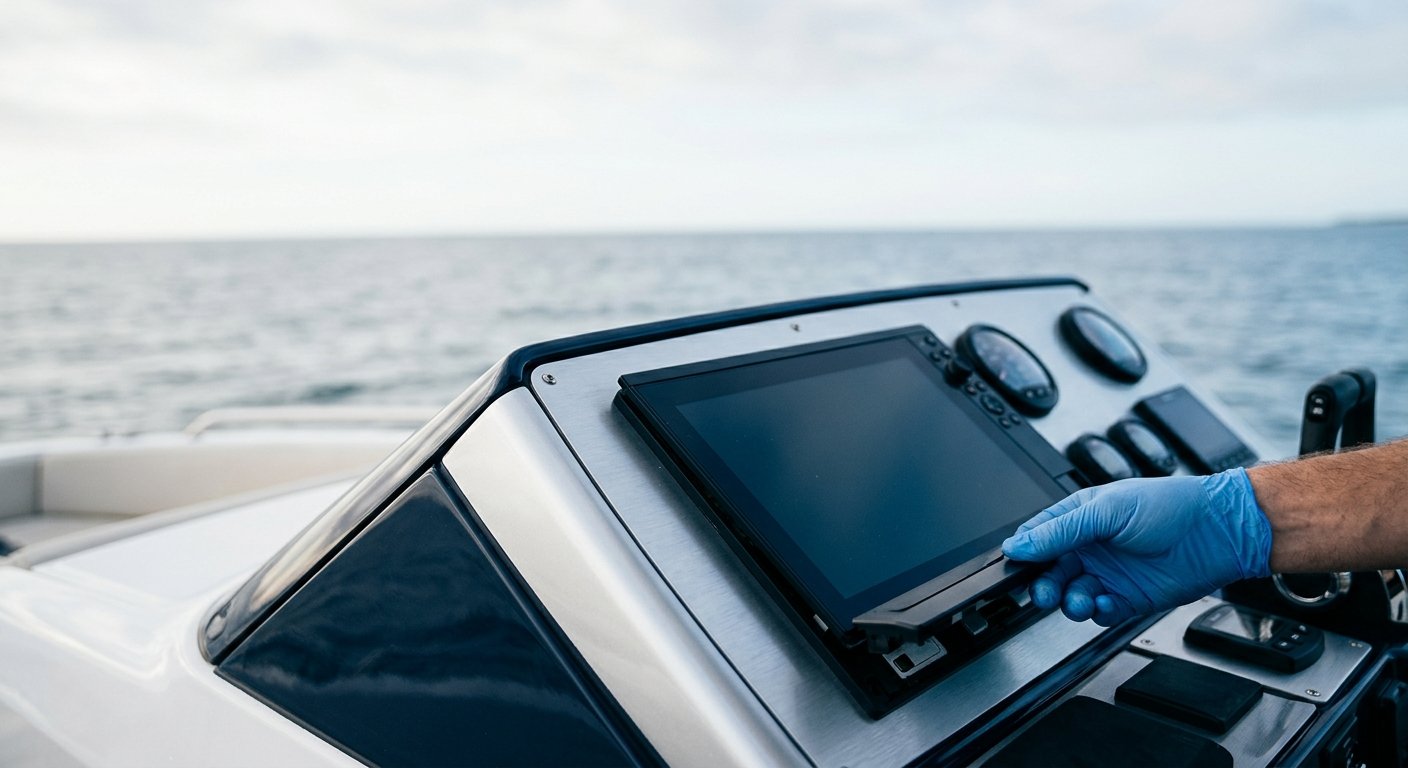
While mechanically capable boat owners can install basic networks, professional installation ensures optimal performance and long-term reliability. Proper cable routing, connection techniques, and system configuration require specialized knowledge. Incorrectly installed networks create frustrating intermittent problems that are difficult to diagnose—proper installation from the start saves time and expense.
Professional Installation Delivers Long-Term Value
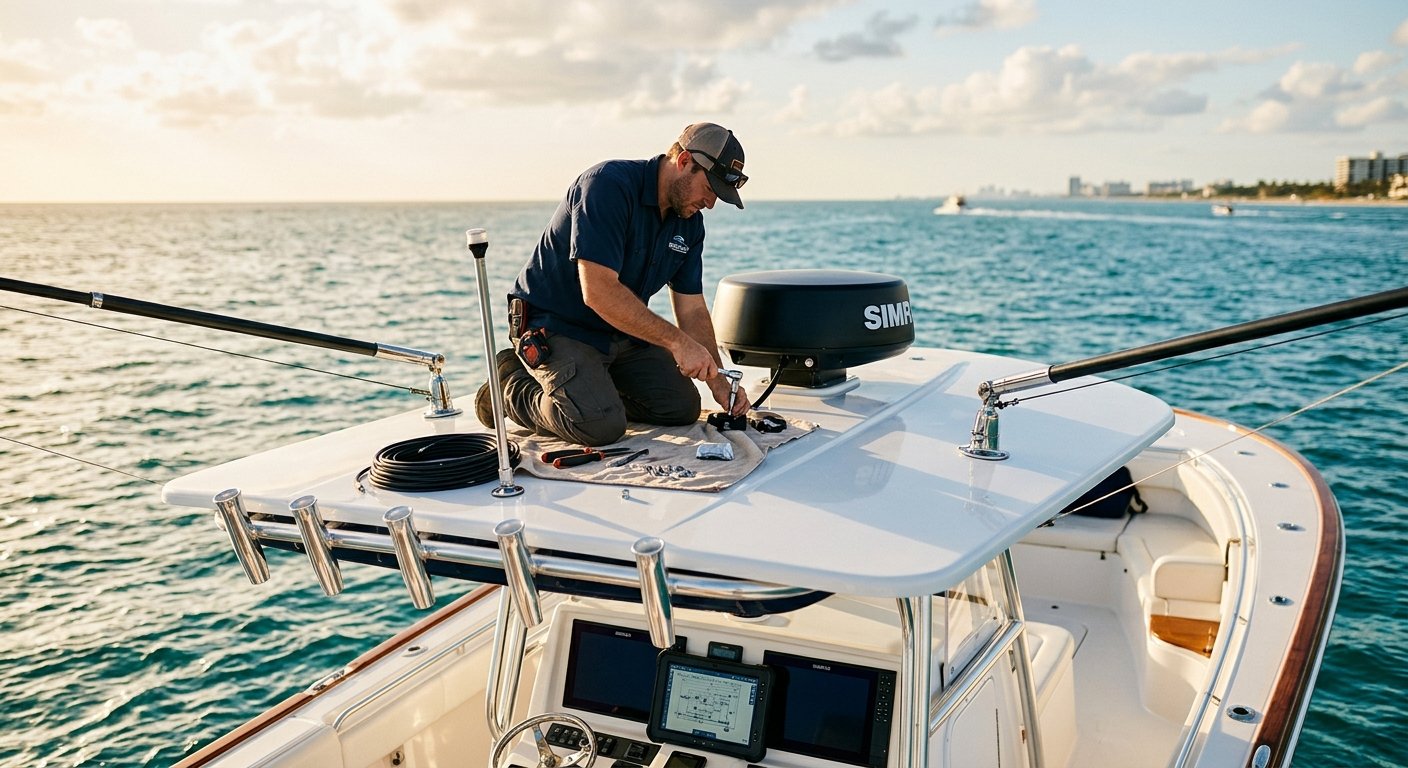
NMEA 2000 integration combines electrical knowledge, marine electronics expertise, and practical installation experience. Professional installers understand South Florida’s unique environmental challenges—saltwater corrosion, intense UV exposure, tropical humidity, and vibration from offshore running. Factory-trained technicians apply manufacturer-specific knowledge about device capabilities, configuration options, and integration techniques that maximize your investment.
A properly designed and installed boat network system provides reliable data for years with minimal maintenance. Your marine electronics integration should support safe navigation, efficient operation, and enjoyable boating—not create frustration through unreliable performance or mysterious failures.
Marine Electronics Installations specializes in NMEA 2000 network design, installation, and troubleshooting throughout South Florida. Our NMEA-certified technicians bring factory training and decades of practical experience to every installation. Whether you’re upgrading a simple fishfinder or designing a comprehensive electronics package for a new sportfish, we deliver solutions engineered for reliability in demanding marine environments. Contact our Stuart office at (772) 634-6055 or visit us at 7892 SW Jack James Dr, Stuart, FL, 34997 to discuss your marine electronics integration needs.